Personal Account
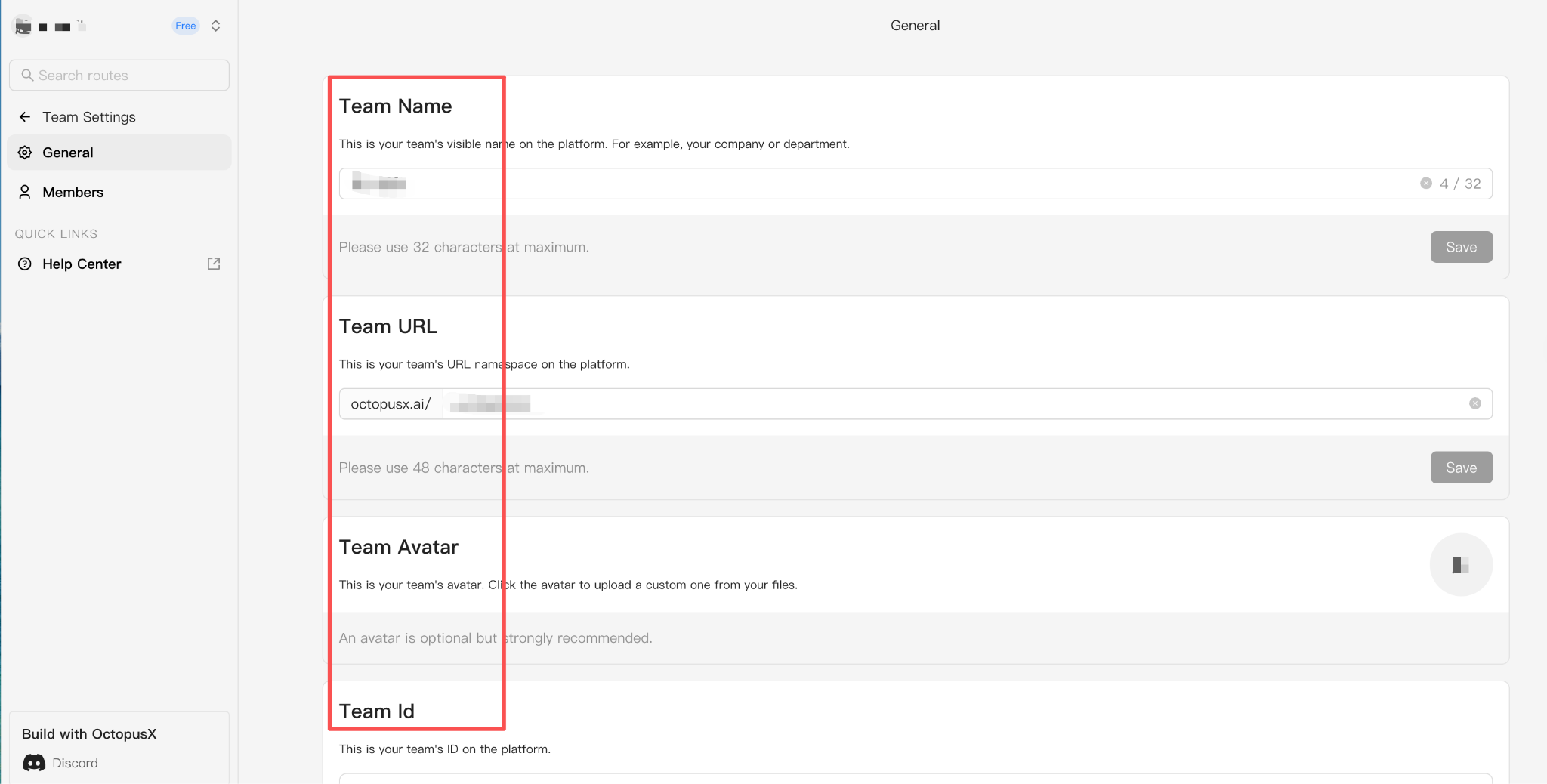
Your OctopusX personal account is your private workspace for managing API keys, billing, credits, usage, and account settings. Use one unified API to access 400+ AI models.
Manage Your Personal Account
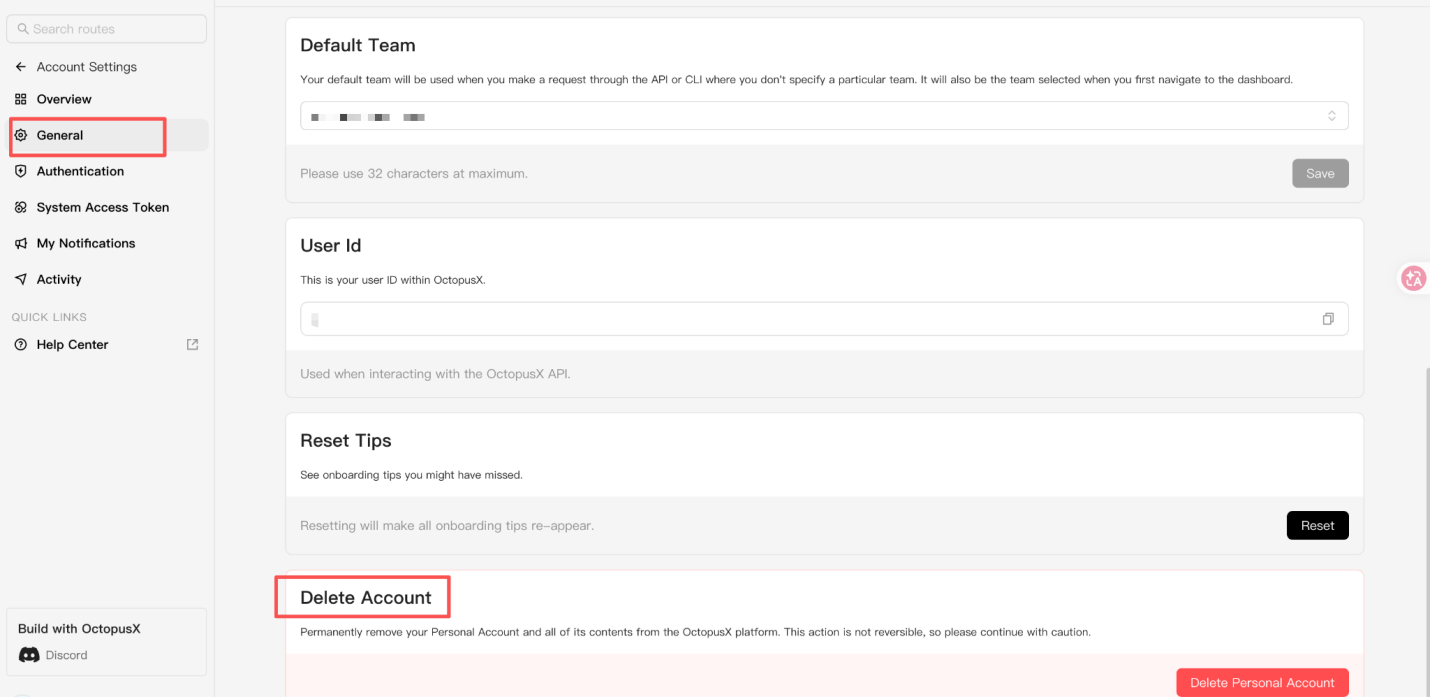
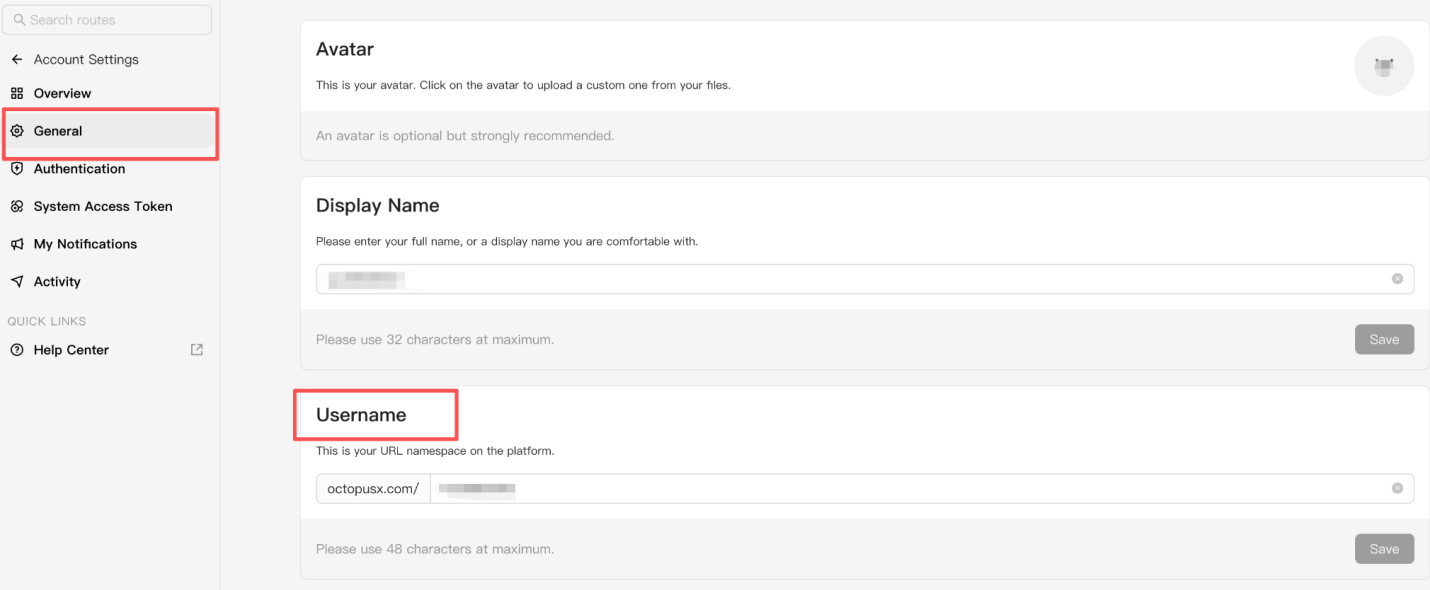
Open your account settings to manage your default team, user ID, and personal account information.
Set Your Default Team
Select the team used by default when an API or CLI request does not specify a team. Your default team also appears first when you open the dashboard.
Find Your User ID
Your user ID identifies your account when interacting with the OctopusX API. You can view and copy it from Account Settings > General.
Manage API Keys
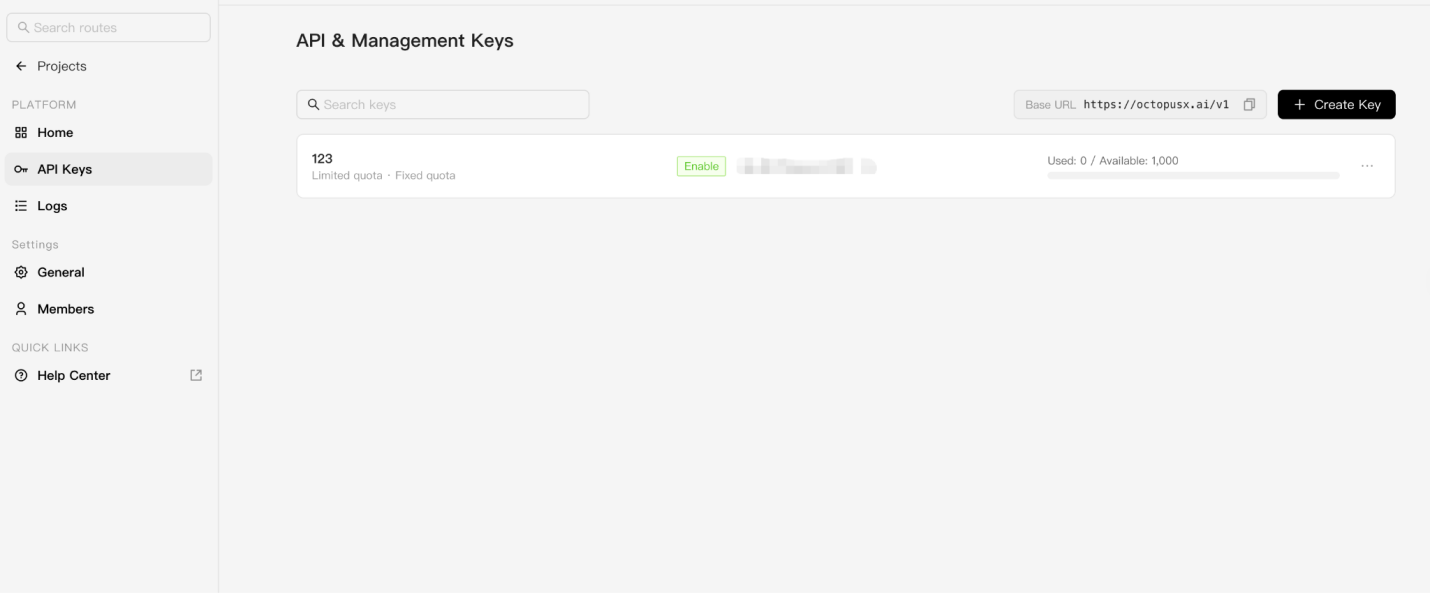
Create and manage the API keys used to authenticate your OctopusX API requests.
Keep your API keys private and never expose them in client-side code or public repositories.
Manage Billing and API Credits
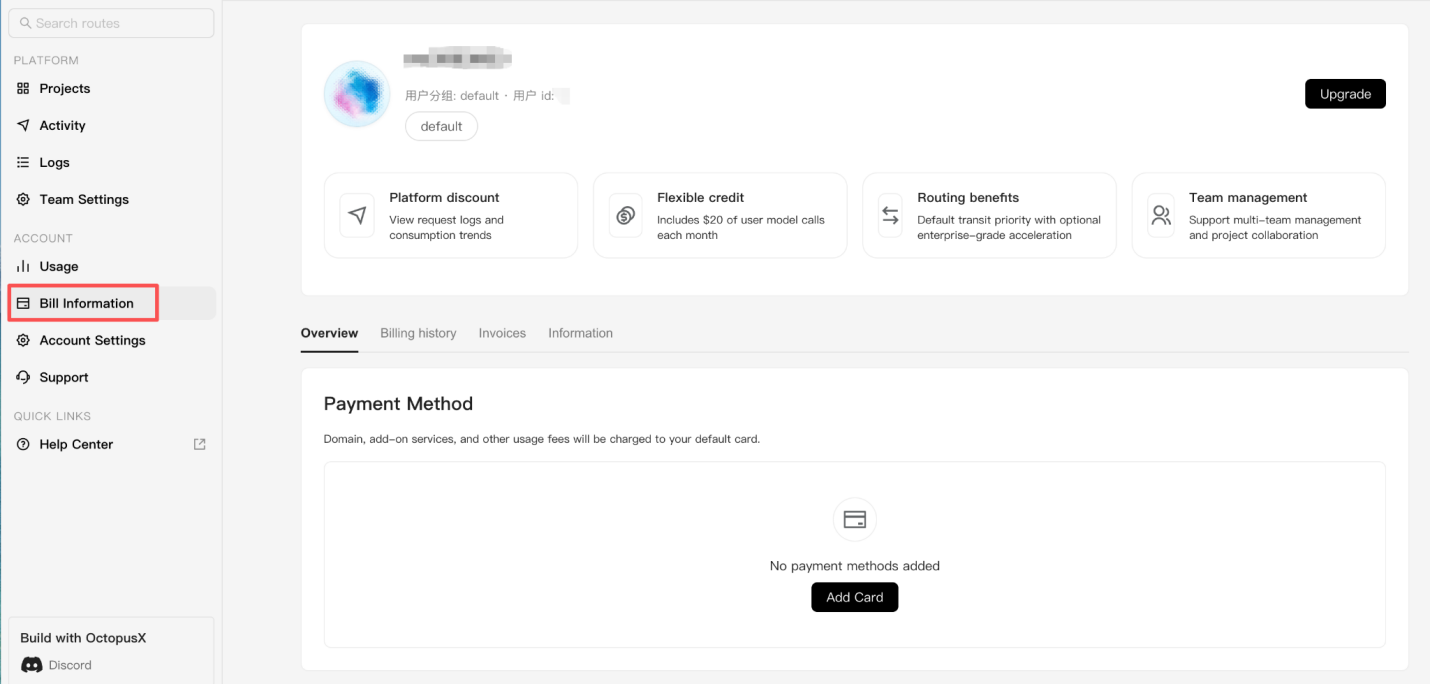
Add a payment card or purchase API credits through Stripe. When you link a card for the first time, you receive $10 in API credits.
View API Usage
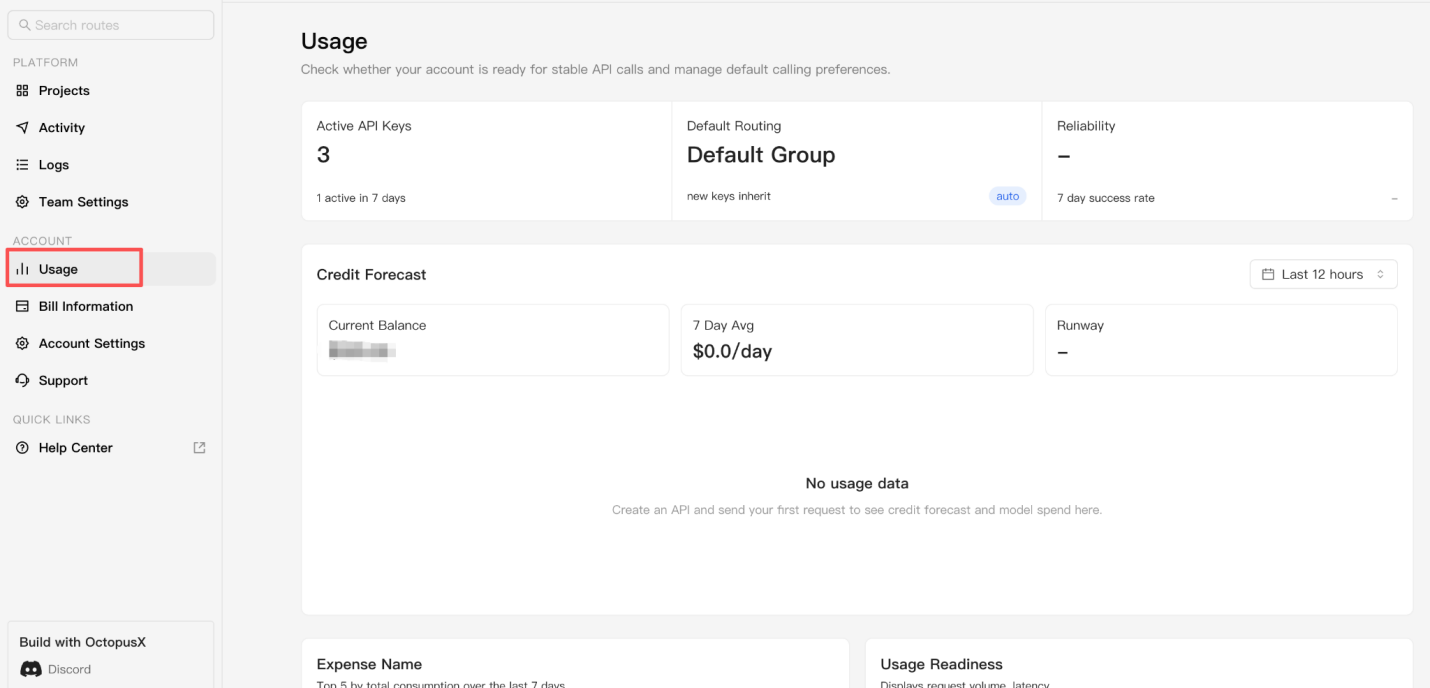
Review your API usage and request history to understand how your personal account is using OctopusX models and credits.
Delete OctopusX Account
Permanently delete your OctopusX personal account and all associated content from your account settings. This action cannot be undone.
- Sign in to the OctopusX dashboard.
- Go to Account Settings > General.
- Scroll down to Delete Account.
- Click Delete Personal Account.
WARNING
Account deletion is permanent and cannot be reversed.